 Draw-SVG
user's guide
Draw-SVG
user's guide
Draw-SVG
user's guide
Draw-SVG
user's guide
To create a symbol:
Draw its elements
Select them
Go to the Selection menu and definitions section
Click the define symbol icon
 to create the symbol and open the symbol dialog
panel
on it
to create the symbol and open the symbol dialog
panel
on it
The symbol is defined with the selected elements
The parameters are calculated by default
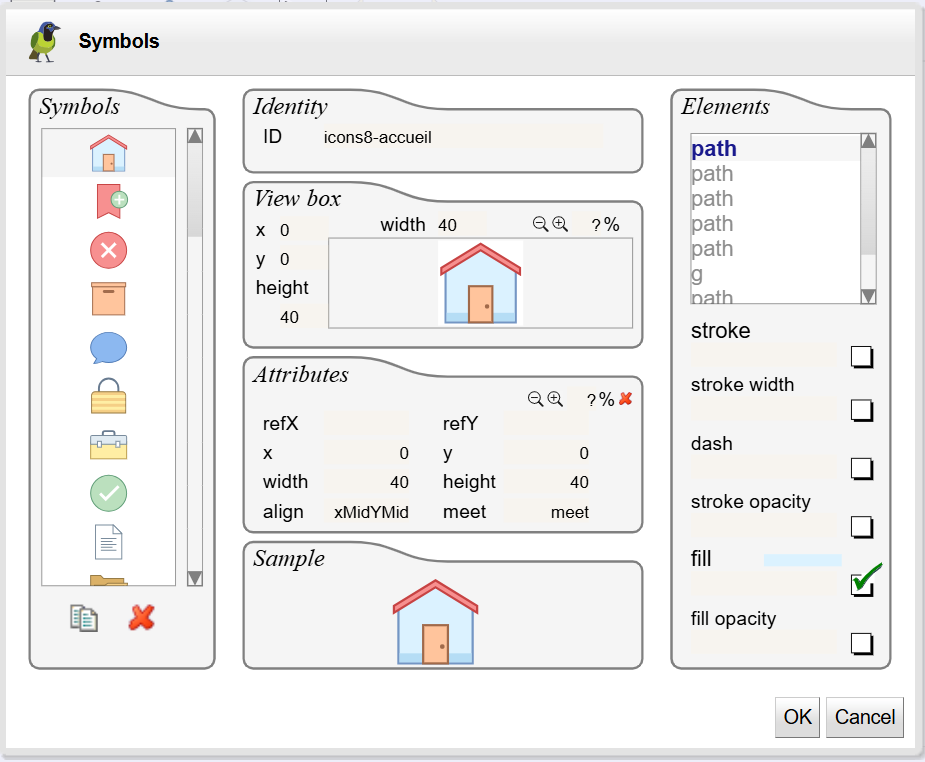 |
Enter the symbol ID then click OK to create the symbol
See creating symbols showcase for an online demonstration.
The symbol dialog can be launched from the Document menu and definitions section from it's icon
 to edit all symbol definitions in the document.
This section describes how to create a symbol by importing its SVG file.
Go to the document menu and definitions section
Click the import symbol icon

Load the SVG document of the symbol (the document must no contains defs elements)
The symbol is created with default parameters
Set the ID of the symbol in the symbol panel
To draw the symbol, go to the Shapes menu and click the symbol catalog icon

Then click top left and bottom right corners of the symbol
Refactor use element as group to update symbol content and create new one.
To refactor a symbol:
Draw the symbol
Copy the use element to refactor it
Go to the Selection menu and refactor section
Click the Refactor to group icon

The use element is replaced by a group with the symbol contents
Make all changes needed for the new symbol
Add/remove elements to the group,change geometries, edit style properties,..
Select elements and create the new symbol
See refactor symbols showcase for an online demonstration.
To draw another symbol:
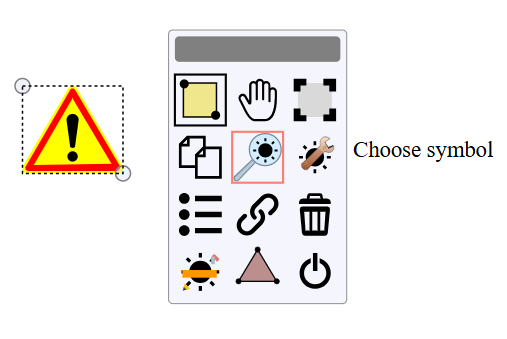
Select the use element
Click on the choose symbol icon in the floating menu :
 |
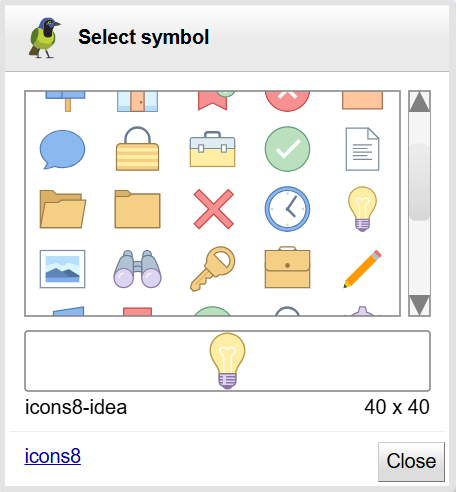
Select the symbol to display from the chooser:
 |
